How can I choose an AP that fits my limited budget?
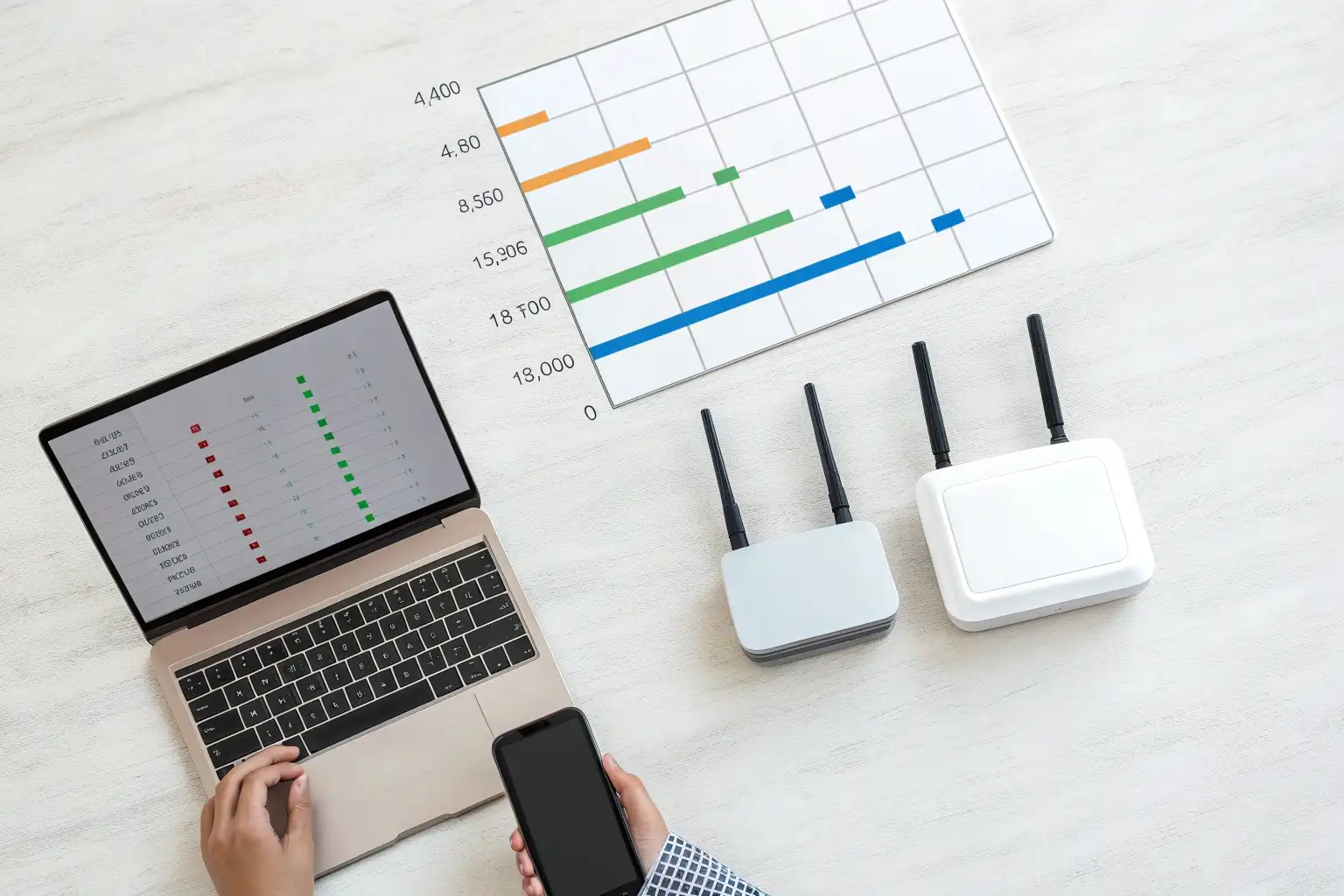
Money’s tight, but reliable WiFi is non-negotiable. I’ve been in this situation many times when building networks for low-income or remote areas.
When I’m working with a limited budget, I focus on essential features like dual-band and MU-MIMO — skipping fancy extras but ensuring the AP still delivers solid, reliable performance.
Choosing a budget-friendly AP isn’t just about finding the lowest price — it’s about understanding what really matters for your use case, and what corners you can safely cut.
What’s the best value AP for low-income areas?
Budget and coverage often clash. I’ve had to stretch every dollar while still delivering usable WiFi in challenging environments.
For low-income areas, I prioritize dual-band APs with basic MU-MIMO and stable firmware. They offer the best cost-to-performance ratio without overpaying for unused enterprise features.

In low-income communities, every dollar counts. The key is to define your real requirements clearly: how many users, what area needs coverage, and what throughput is necessary. Many buyers make the mistake of chasing big brand names1 or high-end models that exceed their actual needs. I prefer identifying the “sweet spot” — usually dual-band, 2×2 MIMO APs with moderate antenna gain. These units deliver strong coverage and decent user capacity without inflating costs.
Popular Budget-Friendly AP Models
| Model | Price Range | Key Features |
|---|---|---|
| Mosslink YA796 | ~ US$22.50 (sample) | Outdoor dual-band AC1200, 2 × external antennas, PoE & 12V DC support (IP65 rated) |
| TP-Link EAP223 | Under $50 | MU-MIMO, dual-band Wi-Fi up to 1350 Mbps |
| TP-Link AC1200 | Around $50 | Dual-band 1200 Mbps, MU-MIMO, WPA3 support |
| UniFi 6 Lite | Around $100 | Wi-Fi 6, compact, stable performance |
Models like TP-Link EAP2232 or AC1200 are workhorses for community WiFi or small offices. If the budget allows, stepping up to UniFi 6 Lite3 brings Wi-Fi 6 benefits like better efficiency and future-proofing. But even with basic Wi-Fi 5 APs, proper placement and antenna tuning4 can go a long way in covering underserved zones. In rural deployments, external antennas provide flexibility to optimize coverage with simple directional adjustments.
Can I find reliable APs under $50?
Low price usually means trade-offs. I’ve learned to identify which compromises are acceptable and which break the network.
Yes, reliable APs under $50 exist, but you must be strategic: focus on dual-band, decent CPU, and proven models — avoid gimmicks and unknown brands.

When shopping in this price bracket, the biggest risks are underpowered chipsets, weak antennas, and poor firmware support. Many no-name brands advertise high speeds but use outdated SoCs5 or omit key features like proper VLAN or PoE. I always check whether the AP supports at least 2×2 MIMO, dual-band operation, and stable PoE input and firmware6. These three factors make the difference between an unreliable gadget and a dependable low-cost access point.
What features can I skip to save money?
Not every feature is essential. I’ve learned to ignore nice-to-haves when budget forces hard choices.
I skip high-end extras like tri-band radios, advanced roaming, or cloud subscriptions. I focus spending on antenna quality, dual-band, and stable firmware.
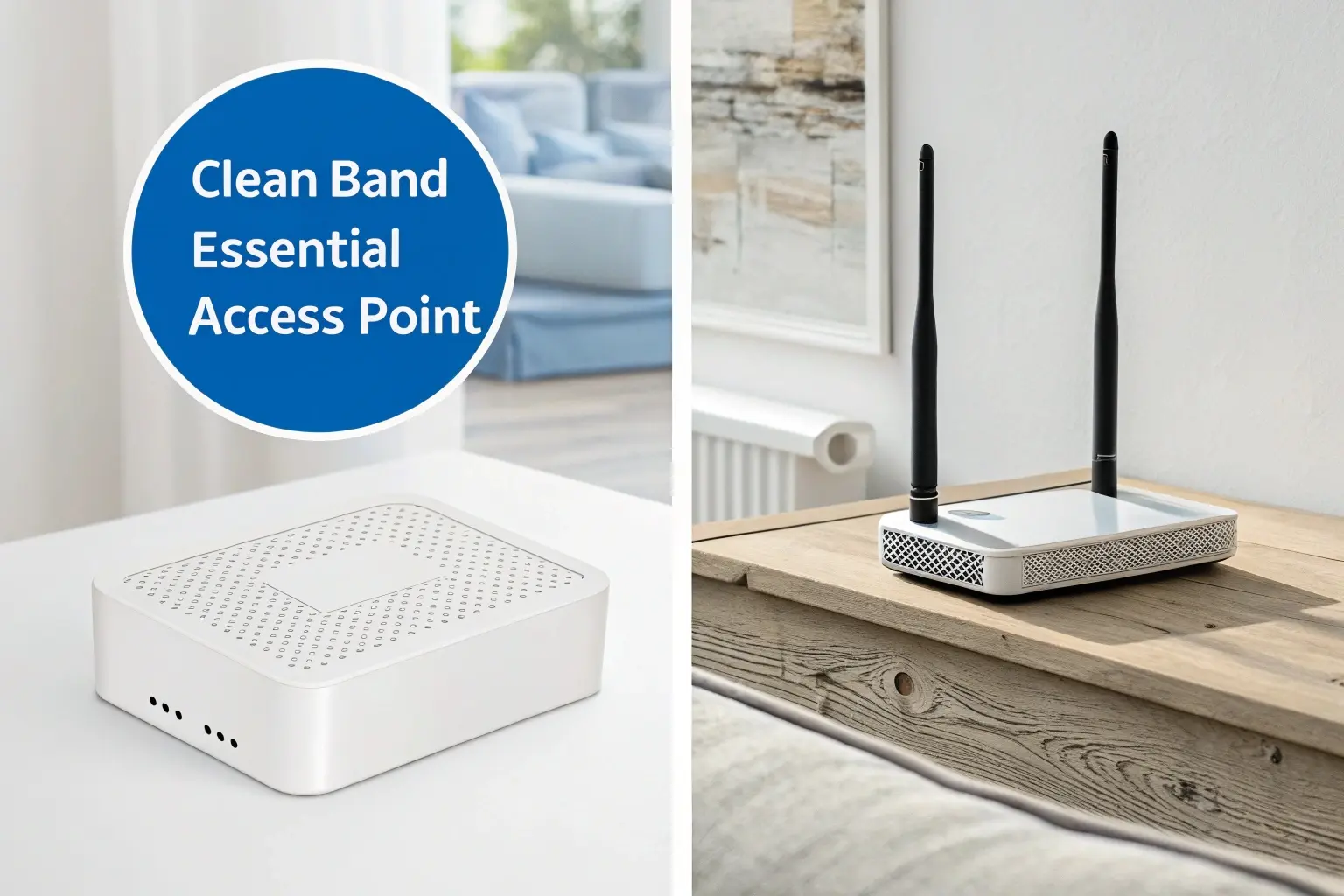
Budget prioritization means separating core functionality from luxury. For example, tri-band APs7 can offload backhaul traffic, but in most rural or low-density deployments, they’re overkill. Similarly, advanced roaming protocols like 802.11k/v/r8 are only useful in multi-AP environments where seamless transitions matter. If you’re deploying a few APs to cover a warehouse or school courtyard, those features won’t justify their cost.
From a factory export perspective9, skipping these extras often cuts 20–40% off unit costs without hurting real-world performance for small deployments. I’ve helped WISPs and integrators deploy hundreds of cost-effective APs by focusing on solid hardware and simple management tools. Firmware upgradability10 and external antenna options often give more flexibility than chasing premium feature lists. Define your core scenario first — coverage, capacity, or durability — then buy slightly above that spec. This avoids both overpaying and underperforming.
Conclusion
Smart budget AP choices come from knowing your real needs, prioritizing essentials, and skipping shiny distractions.
Footnotes
1. Cisco’s official product page showcases enterprise-grade wireless APs. ↩︎
2. TP-Link EAP223 is a popular, reliable, and affordable WiFi access point. ↩︎
3. UniFi 6 Lite provides compact WiFi 6 performance with Ubiquiti support. ↩︎
4. This guide explains antenna gain and directional tuning for coverage optimization. ↩︎
5. Qualcomm outlines their WiFi chipsets used in popular APs. ↩︎
6. OpenWrt offers powerful open-source firmware for many low-cost APs. ↩︎
7. Analysis showing why tri-band is unnecessary in most cases. ↩︎
8. Aruba Networks explains how 802.11k/v/r roaming works in enterprise setups. ↩︎
9. U.S. Trade.gov guide for small businesses exporting hardware. ↩︎
10. Netgate’s firmware upgrade guide reflects best practices for managed APs. ↩︎
Share