How to choose between 2.4GHz and 5.8GHz models when importing custom wireless bridge from China?
How to choose between 2.4GHz and 5.8GHz models when importing custom wireless bridge from China?

When I first started sourcing wireless bridges, I had no idea how much of a difference frequency bands could make—until performance failures cost me real money.
Choosing between 2.4GHz and 5.8GHz wireless bridges depends on range, speed, and interference. 2.4GHz offers longer range and better penetration, while 5.8GHz provides faster speeds and more stable links in cleaner environments.
Which one fits your deployment better? Let’s break it down.
Does 2.4GHz penetrate walls better for elevator projects?
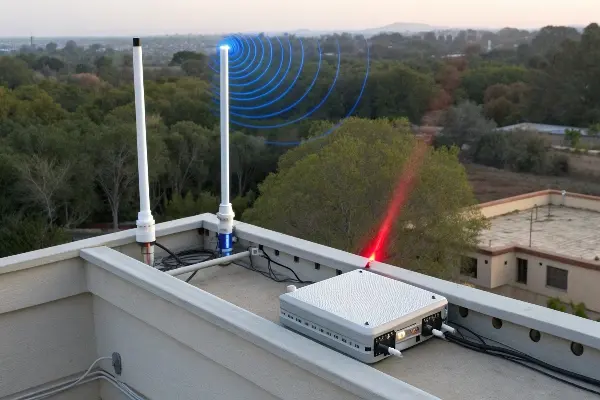
I’ve seen elevator installers struggle with video signals dropping. Turns out, the frequency you use can make all the difference.
Yes, 2.4GHz signals penetrate walls and obstacles better than 5.8GHz, making them ideal for elevators, buildings, and obstructed indoor areas.
Understanding Wave Behavior
- 2.4GHz has longer wavelength, which helps it bend around walls and diffract through elevator shafts.
- 5.8GHz has shorter wavelength, which requires clearer paths and struggles more with dense barriers.
Comparison Table: Wall Penetration and Elevator Use
| Feature | 2.4GHz | 5.8GHz |
|---|---|---|
| Wall Penetration | ✅ Strong | ❌ Weak |
| Performance in Elevators | ✅ Reliable, with low dropout | ⚠️ Risk of signal loss |
| Recommended Usage | 🏢 Concrete buildings, shaft wiring | 🔭 Only for line-of-sight setups |
If you’re importing a custom wireless bridge for elevators 1, 2.4GHz will generally offer a more forgiving deployment environment. Many elevator integrators opt for compact 2.4GHz bridges with flexible mounting and wide-beam antennas to maintain signal consistency.
Is 5.8GHz more stable for outdoor long-range links?
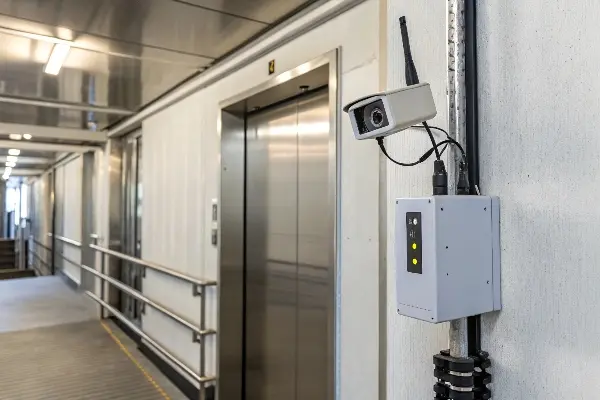
I used to think higher frequency always meant better signal. Not true—until I learned about line-of-sight wireless link design 2.
Yes, 5.8GHz is more stable for outdoor long-range point-to-point links if the path is clear, offering faster speeds and reduced interference compared to 2.4GHz.
Environmental Matching
For rural areas, surveillance, or high-speed backhaul between buildings, 5.8GHz gives you:
- Cleaner spectrum 3 with less Wi-Fi/Bluetooth overlap
- Higher modulation rates, ideal for video/data transport
- Tighter beam antennas, improving focus but requiring careful alignment
Quick Specs Table
| Factor | 2.4GHz | 5.8GHz |
|---|---|---|
| Ideal Distance | < 1 km | 1–15 km (with clear LOS) |
| Speed | Lower | Higher (e.g., 300–867 Mbps) |
| Best Use Case | Urban clutter | Outdoor rural/industrial links |
If your site has tower-to-tower visibility or rooftop paths, 5.8GHz is usually the better investment—especially when paired with directional antennas 4 and high gain dishes.
How do I avoid interference with my CCTV channels?
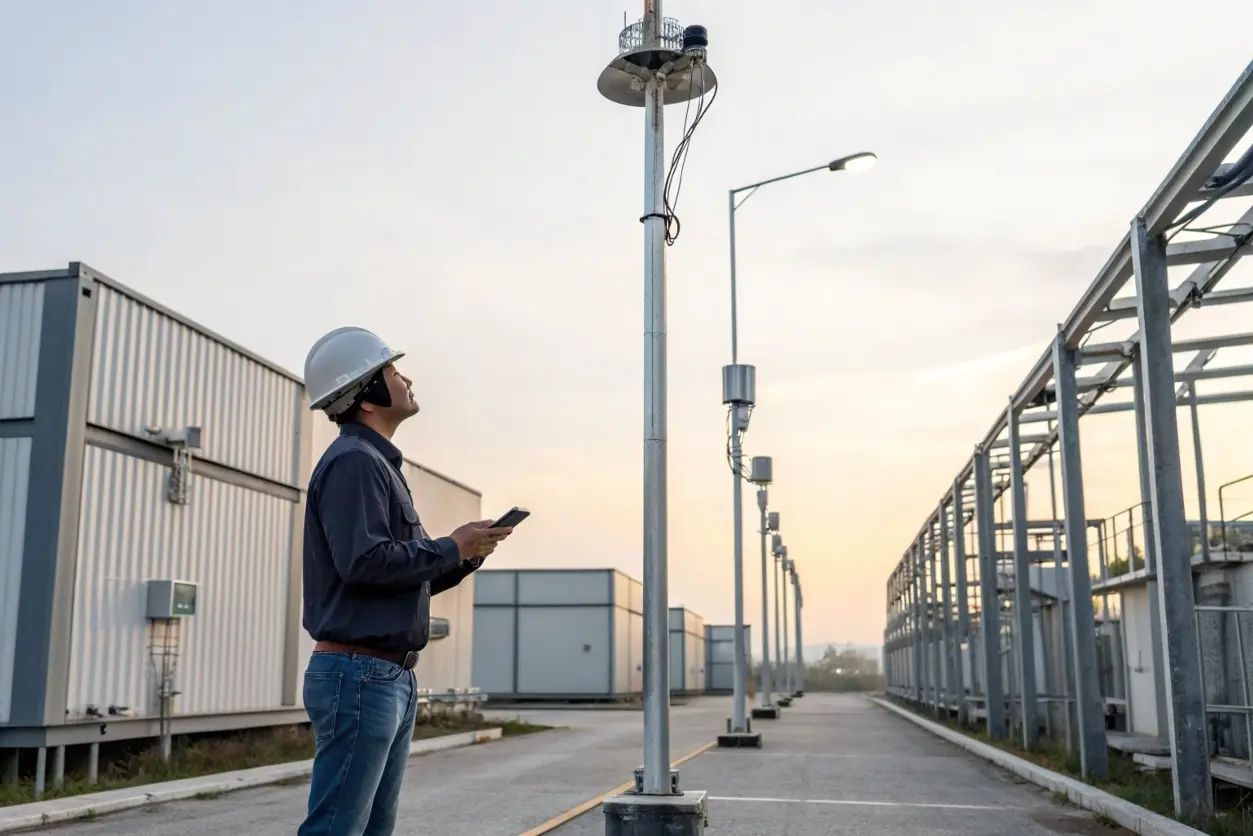
This is a question I wish I asked sooner—before random glitches appeared in customer CCTV feeds.
Use 5.8GHz bridges to avoid interference with 2.4GHz CCTV channels, Bluetooth, or consumer Wi-Fi. 5.8GHz has more available clean spectrum.
Interference Sources
- 2.4GHz Band: Crowded with Wi-Fi routers, microwaves, baby monitors, smart plugs.
- CCTV systems: Many NVRs use 2.4GHz for wireless cameras.
- Result: Video artifacts, stream lag, disconnections.
Best Practices
- Use 5.8GHz for camera backhaul, leaving 2.4GHz for camera-to-router Wi-Fi.
- Apply channel planning 5: avoid overlapping frequencies.
- Use professional-grade bridges with low latency and QoS features 6.
Interference Table
| Source | Interferes with | Suggested Fix |
|---|---|---|
| Wi-Fi Routers | 2.4GHz | Move bridge to 5.8GHz |
| Wireless CCTV Cameras | 2.4GHz | Use 5.8GHz for uplink |
| Bluetooth / IoT | 2.4GHz | Switch to clean channels |
Should I consider dual-band support for flexibility?
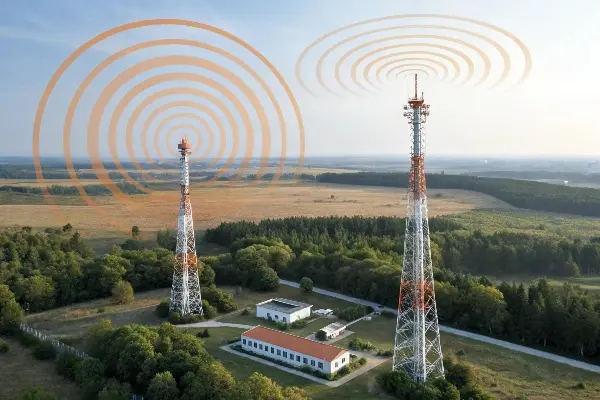
In hindsight, I should have spec’d more dual-band wireless bridges 7 for resellers who wanted “future-ready” stock.
Yes, dual-band wireless bridges offer the best of both worlds—longer 2.4GHz range and faster 5.8GHz performance—useful in mixed environments or uncertain deployments.
When Dual-Band Shines
- You’re a distributor or wholesaler: Flexibility allows the same product to be used in more scenarios.
- Deployment is uncertain: Having both bands helps adapt to on-site RF conditions.
- Installer convenience: Faster setup if conditions vary or if fallback is needed.
Considerations
- Cost: Slightly higher than single-band models.
- Size: May be bulkier or require more power.
- Complexity: Needs proper configuration per scenario.
Use Case Table
| Situation | Recommended Model |
|---|---|
| Indoor with walls + legacy devices | 2.4GHz only |
| Rural PTP link with clear LOS | 5.8GHz only |
| Unknown install + mixed clients | Dual-band bridge |
For OEM buyers importing from China, ensure your manufacturer supports dual-band firmware and legal RF settings 8, proper antenna matching, and regulatory power/channel limits 9 per target country.
Conclusion
Choosing between 2.4GHz and 5.8GHz bridges isn’t just about frequency—it’s about matching the product to the job. When importing from China, ask yourself: where is it going, and what does the signal need to get through?
For added compliance, make sure you classify your wireless bridge hardware correctly under HS Code 8517 for wireless transceivers 10 when clearing customs.
Footnotes
1. Learn how 2.4GHz suits indoor wireless systems like elevators. ↩︎
2. Line-of-sight design tips for stable outdoor links. ↩︎
3. Guide to analyzing Wi-Fi spectrum congestion. ↩︎
4. How directional antennas improve long-distance performance. ↩︎
5. Tips for Wi-Fi and bridge channel separation. ↩︎
6. Explanation of QoS for video and VoIP stability. ↩︎
7. Ubiquiti product examples of dual-band bridges. ↩︎
8. Firmware control in dual-band Wi-Fi modules. ↩︎
9. FCC regulations on RF power and channel allocation. ↩︎
10. Reference HS Code for wireless transceiver imports. ↩︎
Share